
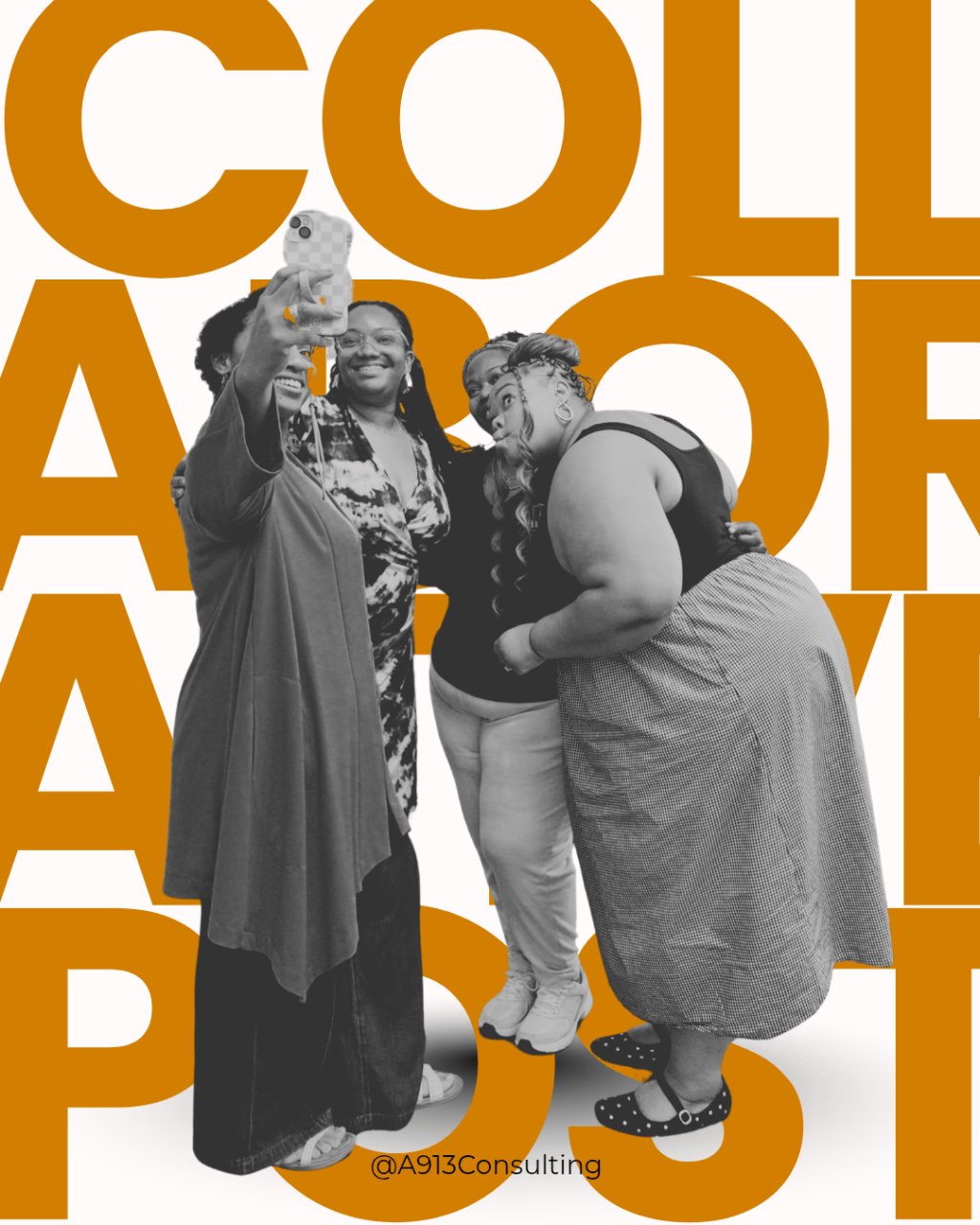
I recently had the opportunity to speak at a workshop full of creatives and entrepreneurs at Truly Content Creator Weekend. I shared my content system frameworks and gave them one growth strategy they could implement that day. Am I telling you just to get a “you go girl”, YES, but I’m also going to share the growth strategy with you here so we all can win!
Back story
I have a community called Better Than One it’s a free community where we network, share our goals and resources for growth and accountability. At the start of this year, I told everyone that our central theme in business is collaboration because as a strategist I believe the future of social media is IRL community and connection. I encouraged them to find ways to collaborate with other creatives and businesses. Why am I sharing this?
You need to collaborate more.
You need to start producing more strategic partnerships and when it comes to social media you need to turn those partnerships into collaborative post!
Whats a collaborative post?
In short, a collaborative post is a built-in platform tool that allows you to share a post on your platform and another creator’s platform. Essentially you are sharing audiences which increases your reach and if the post is good entices more people to learn more about you and follow. If you page and content is set up to funnel through your customer journey then, you’re in the money! (ha-ha that was either corny or it dated me).
How to create a collaborative post.
Imagine my surprise when I was explaining why you need to create collaborative post I got the question “Is that the same as tagging someone?” No. It is not, so this is where I explain how to create a collaborative post on Instagram, Facebook and YouTube. It’s very easy!
Instagram/Facebook
On Instagram, once a post is ready to go “tag people” then select “collaborate”, then search for the person you want to collaborate with, select them then post. BOOM you crated a collaborative post. You can do this with reels and static post.
Facebook the process is similar, but it shares by tagging the person. This is under “Tag people”
YouTube shorts and videos are similar. Once your post is ready to go BEFORE posting, while on the caption screen scroll down until you see “community, collaborations, comments, remixing”, select that, then select “Invite collaborator”, search for channel and tag. Then complete everything like normal.
What happens when you are invited?
You will be notified that an invite has been sent. You can review the post then choose to approve or decline. Once you approve the post it shows up on our platform and you’re good to go. You both can see the analytics and your audiences are shared.
Things to note
When collaborating with someone choose a cover photo that works well for both platforms. If two creators attended the same event take a pic together or use a pic from the event. Also make sure your audiences are aligned so your people aren’t looking at you like “how did I get dropped off here”
There are so many ways to increase your visibility on social media so you can grow and build genuine community. Use tools like the collaboration to grow. Alright y’all have fun!
If you use this tip let me know on IG, tag me or send me your post.
Quick Reminder: The Results First Challenge officially kicks off July 12! If you’ve been wanting to build momentum, create consistent content, and take action alongside other creators, now’s the perfect time to join us. I hope to see you there! Learn more about it here.


Leave a Reply