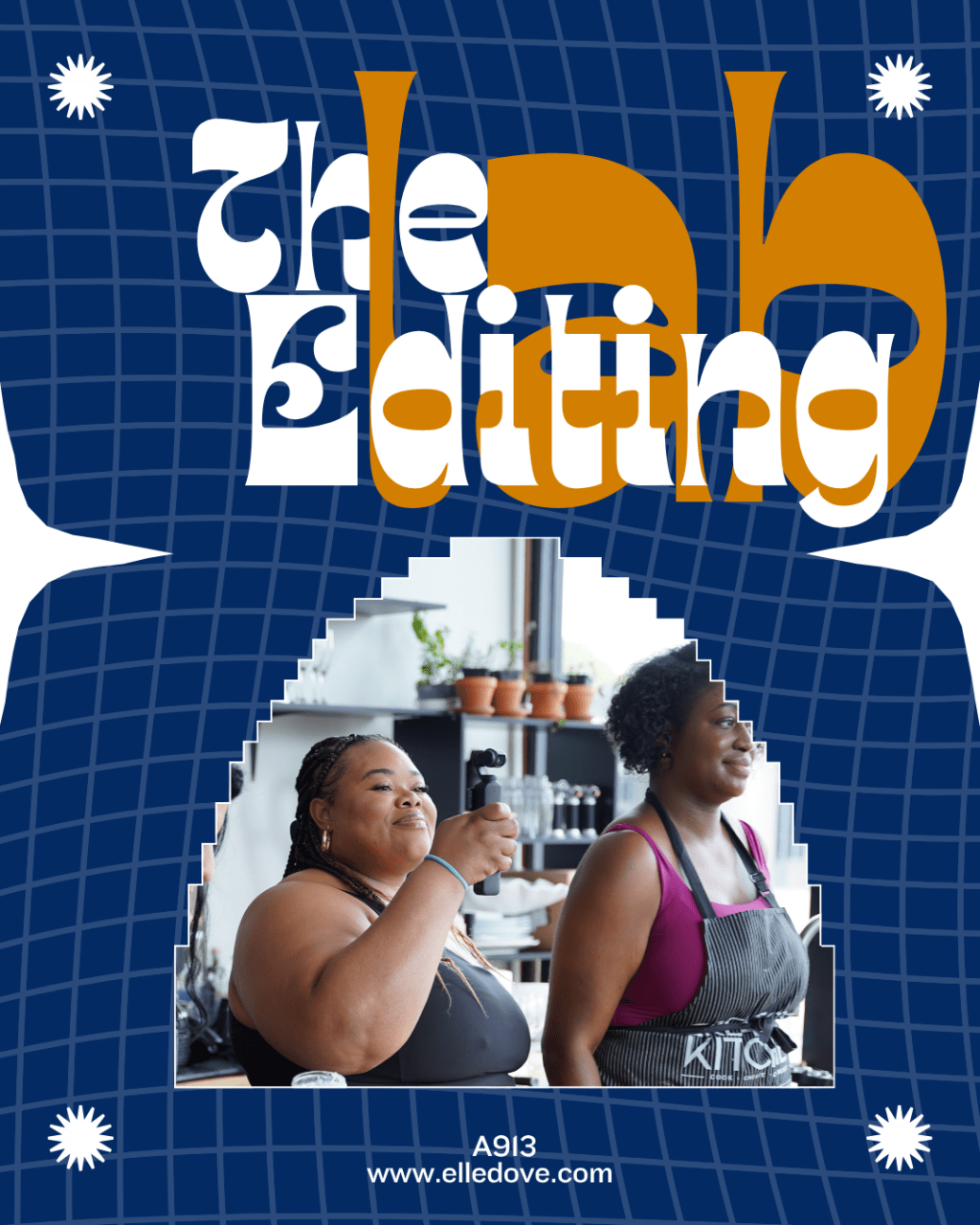
the editing Lab

4 Weeks to Create, Edit & Tell Better Stories

You have the footage. You have the ideas.

Now you need a process for turning them into content you’re actually excited to post.

The Content Editing Lab is a four-week, hands-on class designed to help you understand the strategy behind your content, build confidence with editing, and learn how to use simple editing techniques to make your videos more engaging.

No complicated editing jargon. No pressure to create perfect videos.

Just a clear system, practical skills, and plenty of opportunities to practice.

This is for you if…

You’ve ever filmed a video and then thought:

“Okay…now what do I do with this?”

Or maybe you know what you want to say, but your finished video doesn’t quite look or feel the way you imagined it.

Maybe you’re:

  • Overthinking what to post
  • Sitting on a camera roll full of unused footage
  • Unsure how to make your videos flow
  • Adding random text, transitions, or effects without knowing why
  • Struggling with pacing or knowing when to cut
  • Intimidated by editing apps
  • Looking at other creators’ content and wondering, “How did they make that?”

If that sounds familiar, you’re in the right place.

This isn’t just an editing class.

Before we start editing, we’re going to talk about the content itself.

Because editing becomes much easier when you understand what you’re trying to communicate.

That’s why we’ll begin with a repeatable 4-step content system that gives you a foundation for creating content with intention.

Then we’ll spend the next three weeks putting that foundation into practice through editing, storytelling, and hands-on challenges.

Think of it as:

Strategy → Skills → Practice → Confidence

What we’ll cover

Week 1 — Build Your Content System

We’ll start with the strategy behind your content.

You’ll learn a 4-step content system designed to give you a repeatable process for creating content instead of starting from scratch every time.

This is your foundation.

Week 2 — Editing Foundations

Now we open InShot and start editing.

You’ll learn the essential tools and techniques you need to take your raw footage and begin turning it into intentional, engaging content.

We’re not trying to learn every feature in the app.

We’re focusing on the tools that actually matter.

Week 3 — Practice + Storytelling

Editing isn’t just about making a video look pretty.

It’s about helping your story land.

We’ll practice using editing choices like pacing, audio, text, movement, and visual changes to create a better viewing experience.

You’ll have the opportunity to bring your questions and practice what you’re learning.

Week 4 — The Editing Challenge

This is where we put your skills to work.

You’ll complete a five-day editing challenge focused on five different elements of content creation:

  • Day 1: Font Timing + Captions
  • Day 2: Audio + Pacing
  • Day 3: Keyframes
  • Day 4: Angles
  • Day 5: Storytelling

You’ll create a video each day and upload it to our designated Drive folder.

Then we’ll discuss your work, answer your questions, and help you understand how to improve.

The challenge framework is based on a resource created by Genesis Figueroa, which has been incorporated into this class as a hands-on editing practice experience.

The original challenge uses CapCut. You’ll learn how to apply these concepts in InShot.

What you’ll walk away with

By the end of our four weeks, you’ll have more than a collection of editing tips.

You’ll have a process.

You’ll understand how to:

  • Approach your content with more intention
  • Use a repeatable content system
  • Navigate the essential editing tools in InShot
  • Improve pacing and flow
  • Use captions and text intentionally
  • Work with audio
  • Use keyframes to create movement
  • Think about angles and visual variety
  • Use editing to strengthen your storytelling
  • Look at your footage differently
  • Practice editing without getting overwhelmed

Most importantly, you’ll have had the opportunity to actually do the work.

You don’t have to be “good at editing.”

You just have to be willing to learn.

This class isn’t about becoming a professional video editor.

It’s about becoming more confident with the content you’re already creating.

You’re allowed to ask questions.

You’re allowed to make mistakes.

You’re allowed to edit something, watch it back, and decide you want to try it again.

That’s how you learn.

There’s no expectation that you’ll walk in knowing everything.

That’s what we’re here for.

What you’ll need

Getting started is simple.

You’ll need:

  • A phone or device you can use to edit
  • InShot downloaded and ready to use
  • Access to the class Drive folder
  • Your own video footage to practice with
  • A willingness to experiment and participate

You do not need professional equipment. You do not need years of editing experience. And you do not need a perfect camera roll. Bring what you have. We’ll work from there.

Imagine opening your camera roll and knowing what to do next.

Instead of wondering:

“Is this footage even usable?”

You’ll start asking:

“How can I tell this story?”

Instead of adding an effect because everyone else is doing it, you’ll understand why you’re making the choice. Instead of feeling overwhelmed by your editing app, you’ll have a process you can return to.

That’s the goal of The Content Editing Lab.

Not perfection. Confidence.

Ready to get in the Lab?

Four weeks. One content system. Practical editing skills. Real practice.

And a whole lot less guessing.

Come ready to learn, practice, and create.

What You Should Know Before You Join

You do not need to be an experienced editor to take The Editing Lab.

But this class is designed for creators who already have a basic understanding of creating video content and are ready to take their editing to the next level.

Before we begin, you should be comfortable with the following:

You should already know how to:

  • Record video on your phone.
  • Take basic talking-head or B-roll footage.
  • Move around your phone’s camera roll and find your video files.
  • Download and open an app on your phone.
  • Import video clips into an editing app.
  • Create a basic project in InShot.
  • Trim or split a video clip.
  • Add multiple clips to a timeline.
  • Adjust or remove a clip from your timeline.
  • Export/save a finished video to your phone.

You should have some basic familiarity with:

  • The difference between raw footage and a finished video.
  • Basic video concepts like clips, cuts, audio, captions/text, and B-roll.
  • Recording content in a vertical/9:16 format for short-form video.
  • Creating and saving videos to your phone.
  • Sharing or uploading a video to Google Drive.

You do NOT need to know:

  • Advanced editing techniques.
  • Keyframes.
  • Complex transitions or effects.
  • Advanced audio editing.
  • How to create cinematic videos.
  • Every feature inside InShot.
  • How to edit with “perfect” pacing.
  • How to tell a story through editing.

That’s what we’re here to learn.

A quick self-check

If you can answer yes to most of these questions, you’re ready for The Editing Lab:

I regularly create or record video content.

I have my own footage I can practice with.

I know how to import clips into an editing app.

I can make basic cuts or trims.

I understand how to put multiple clips together into a video.

I can add basic text or captions.

I know how to save/export a video to my phone.

I’m comfortable learning by doing—even when I don’t get it right the first time.

If you’re thinking, “I can do the basics, but I know I’m not using editing to its full potential,” you’re exactly where you need to be.

The Editing Lab is where we build from that foundation.